


Description
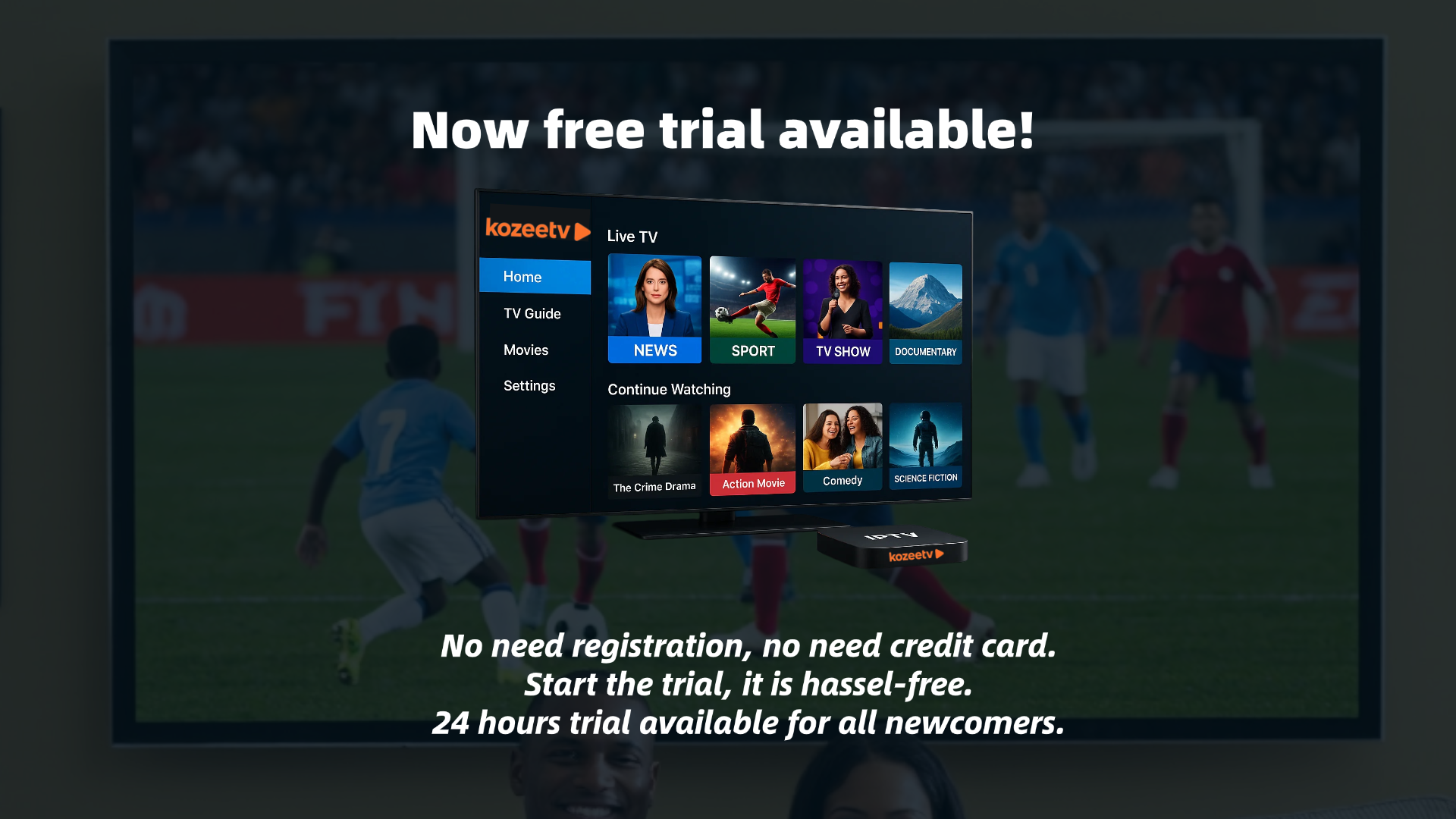
KozeeTV: The World on Your Screen!
-
โ No credit card required
-
โ No complicated registration
-
โ No content restrictions
Unlock ALL live channels, movies, sports, and shows. Why wait? Binge-watch guilt-free TODAY!
Movies & Series
Sports & Live TV

KozeeTV App Live Demo
(Live Sports Channels)โ
KozeeTV App Live Demo
(VOD, Movies & Series)โ
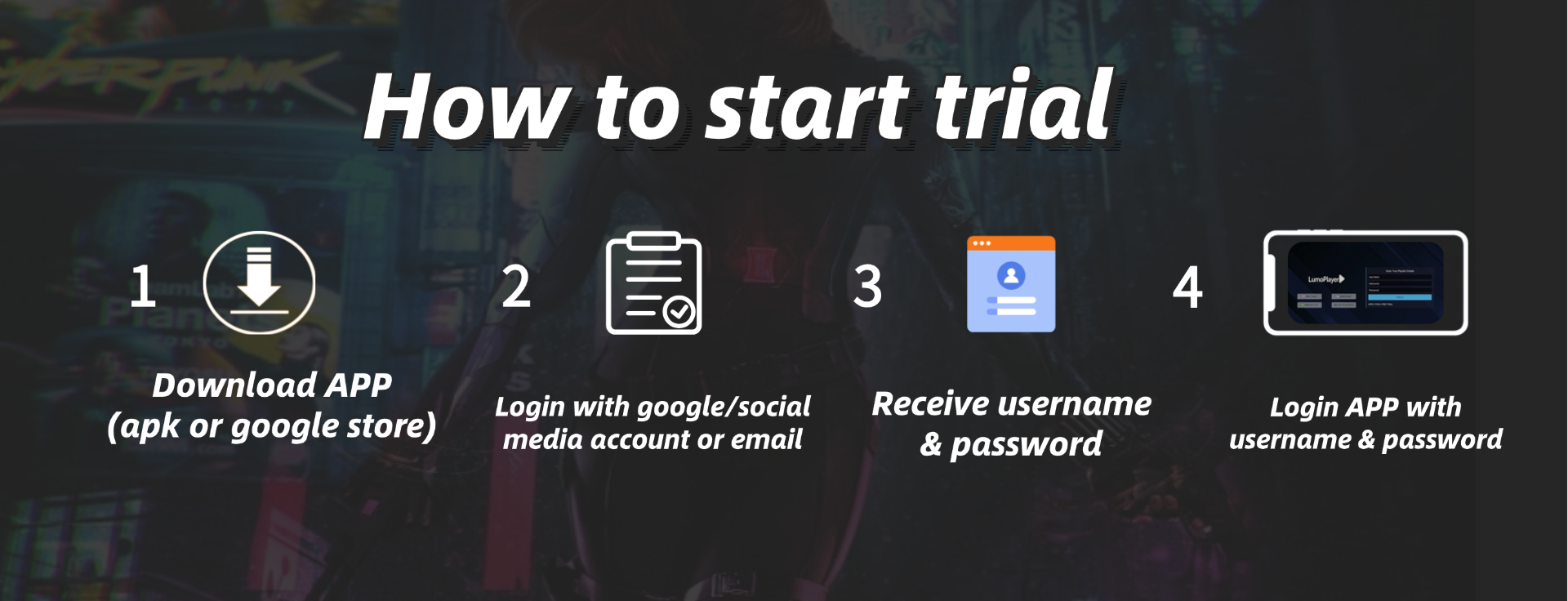
How it works?
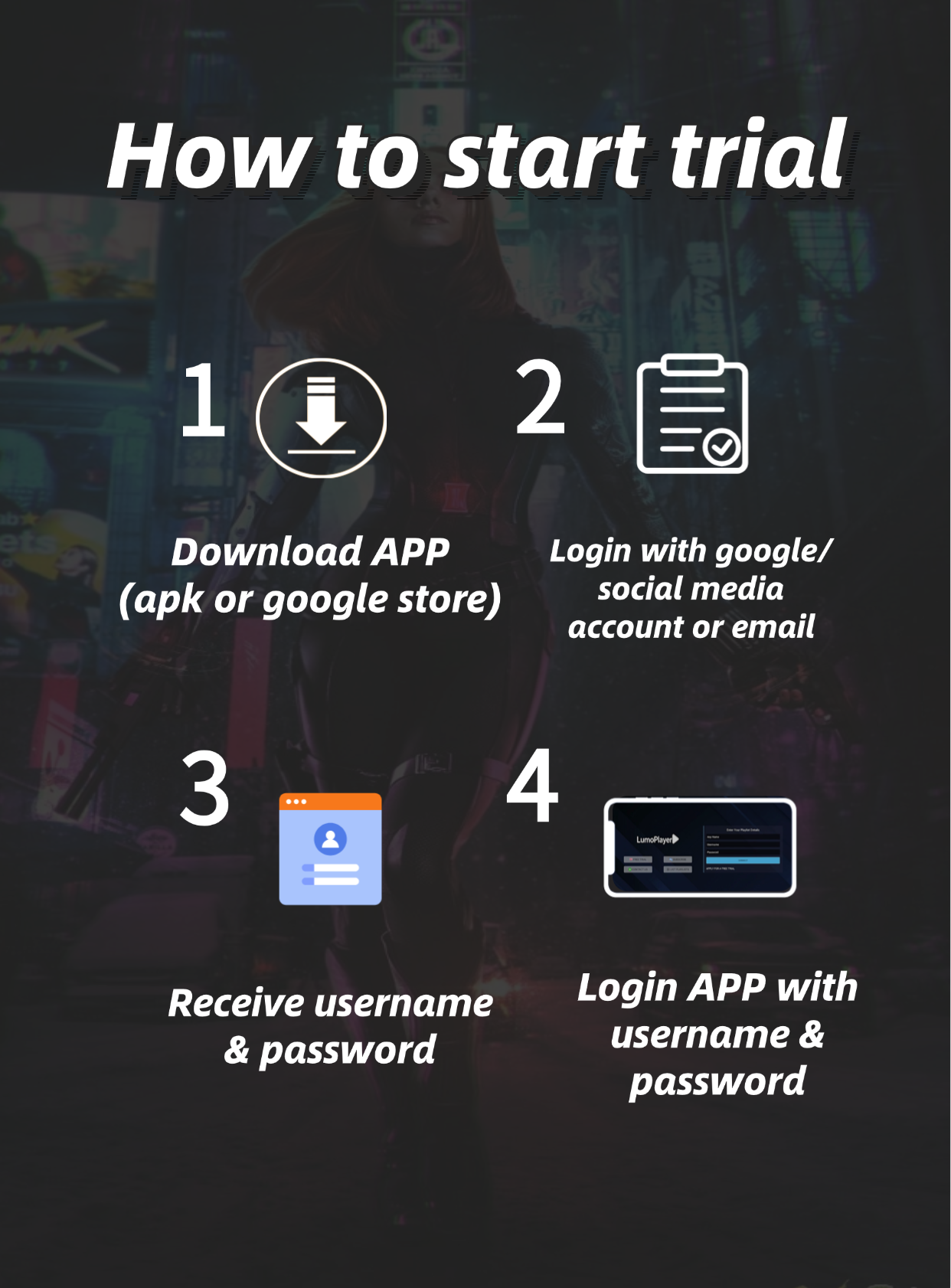
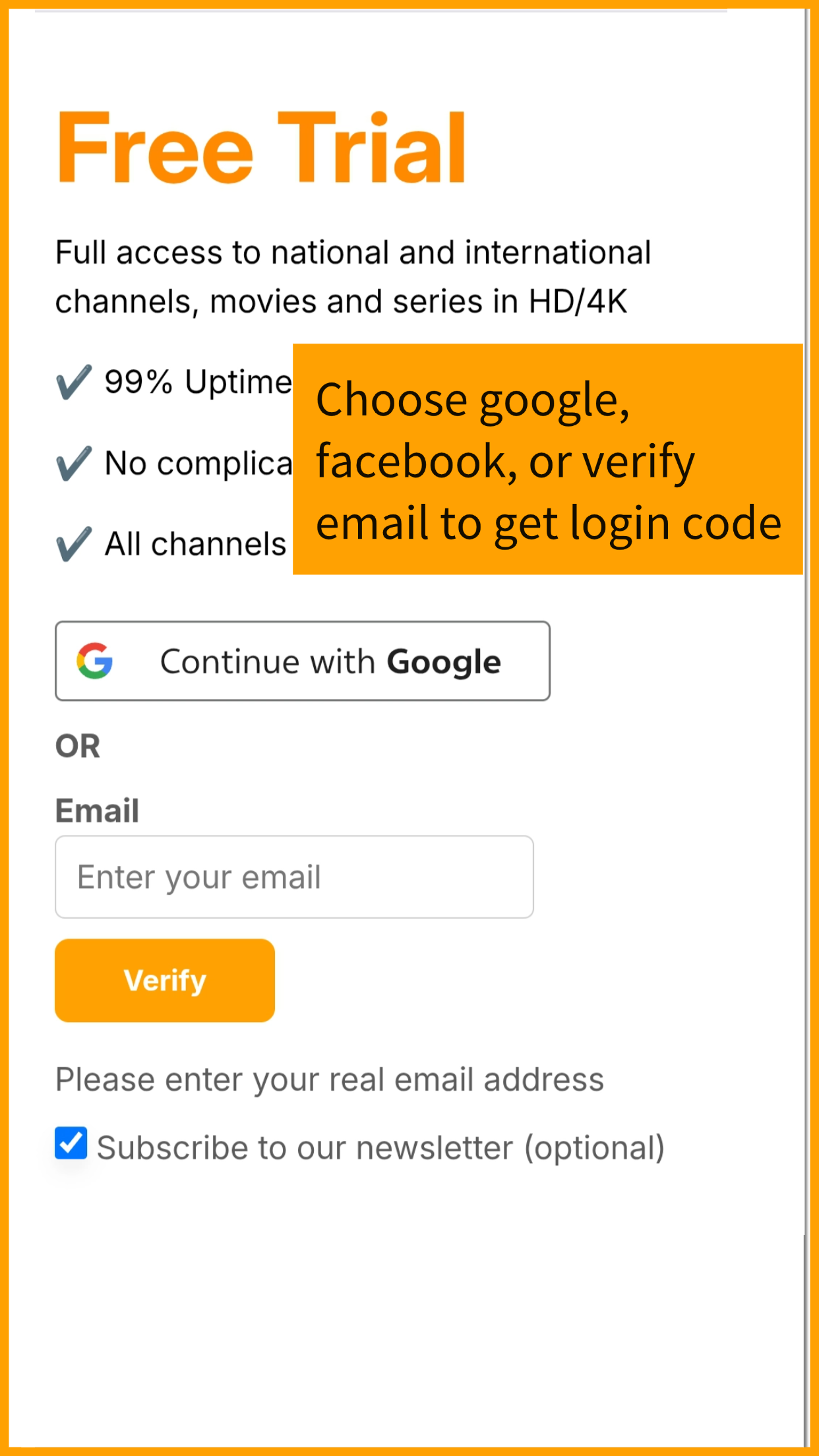
1. Log in with Facebook, Google, or your email.โ

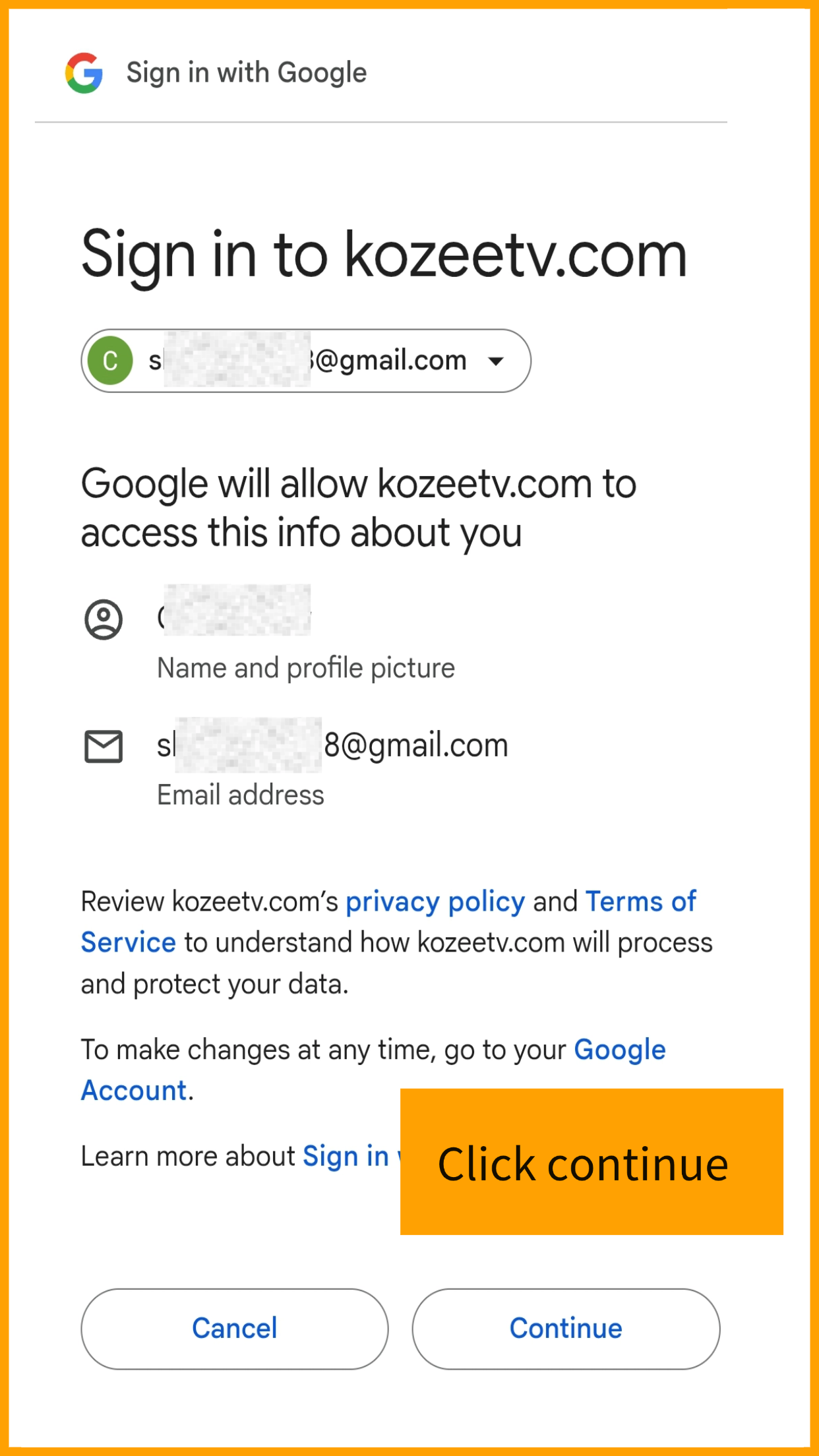
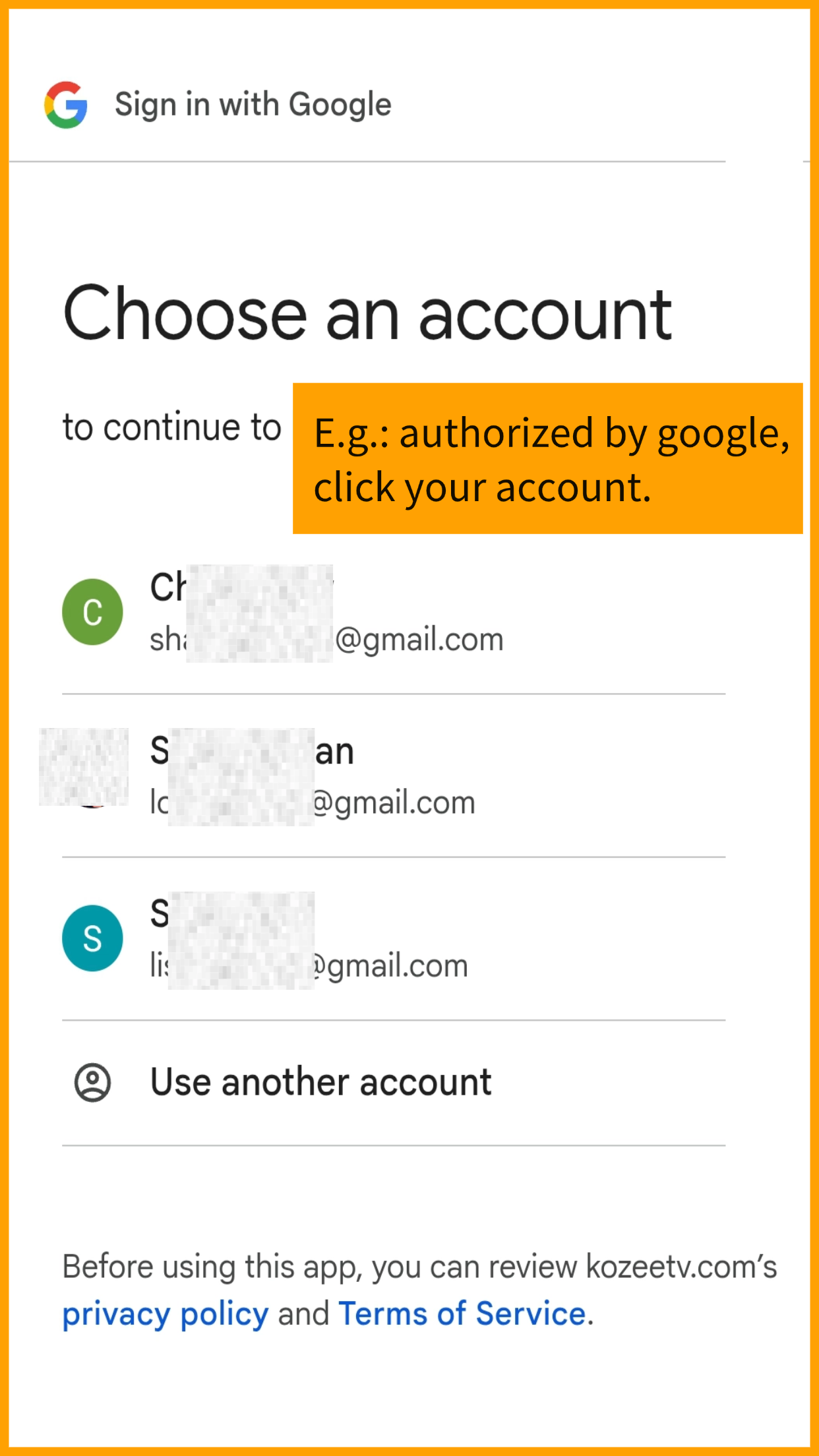
2. Continue authorization.โ

3. Choose your account.โ

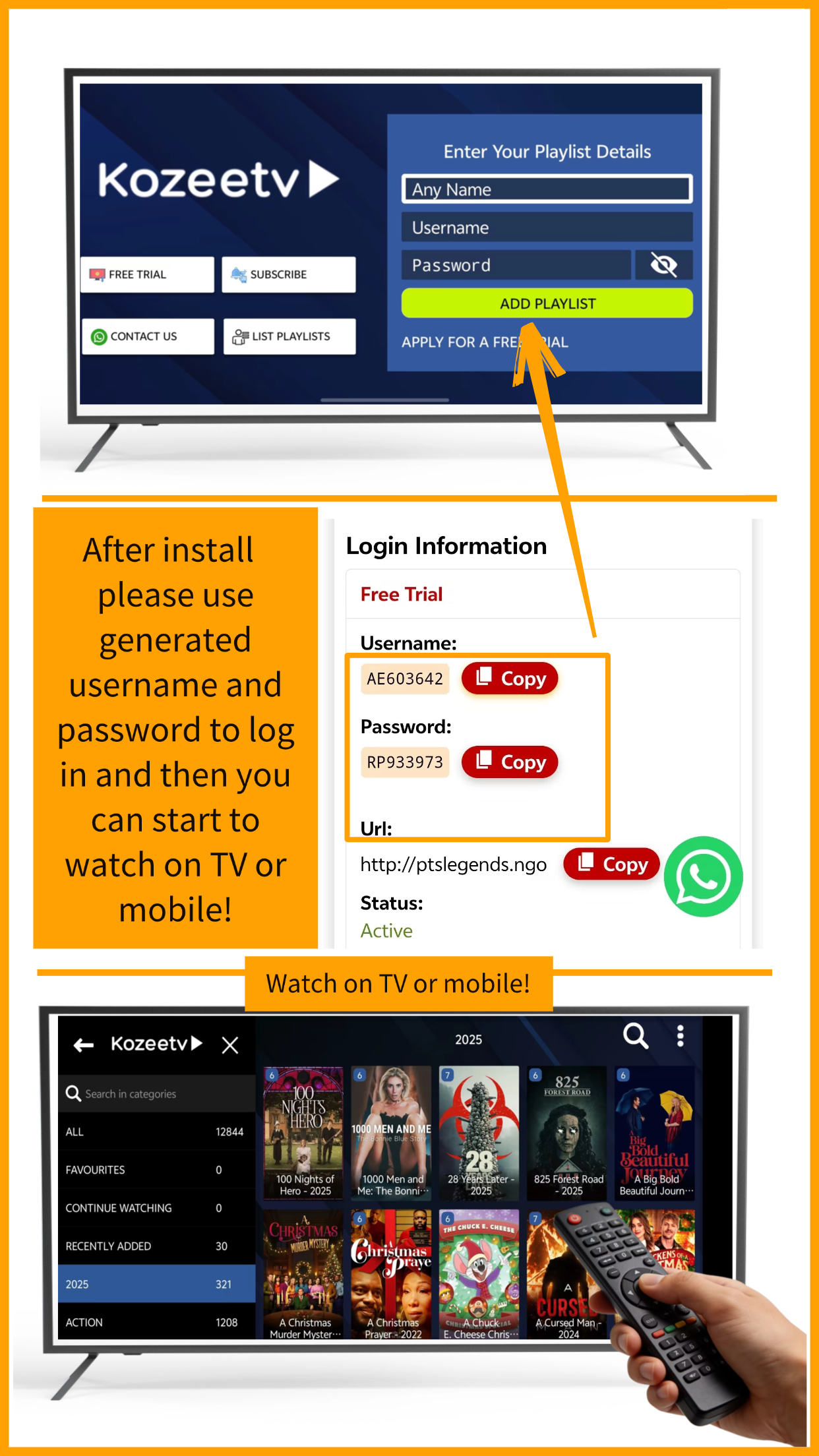
4. Wait seconds for login details to generate. โ
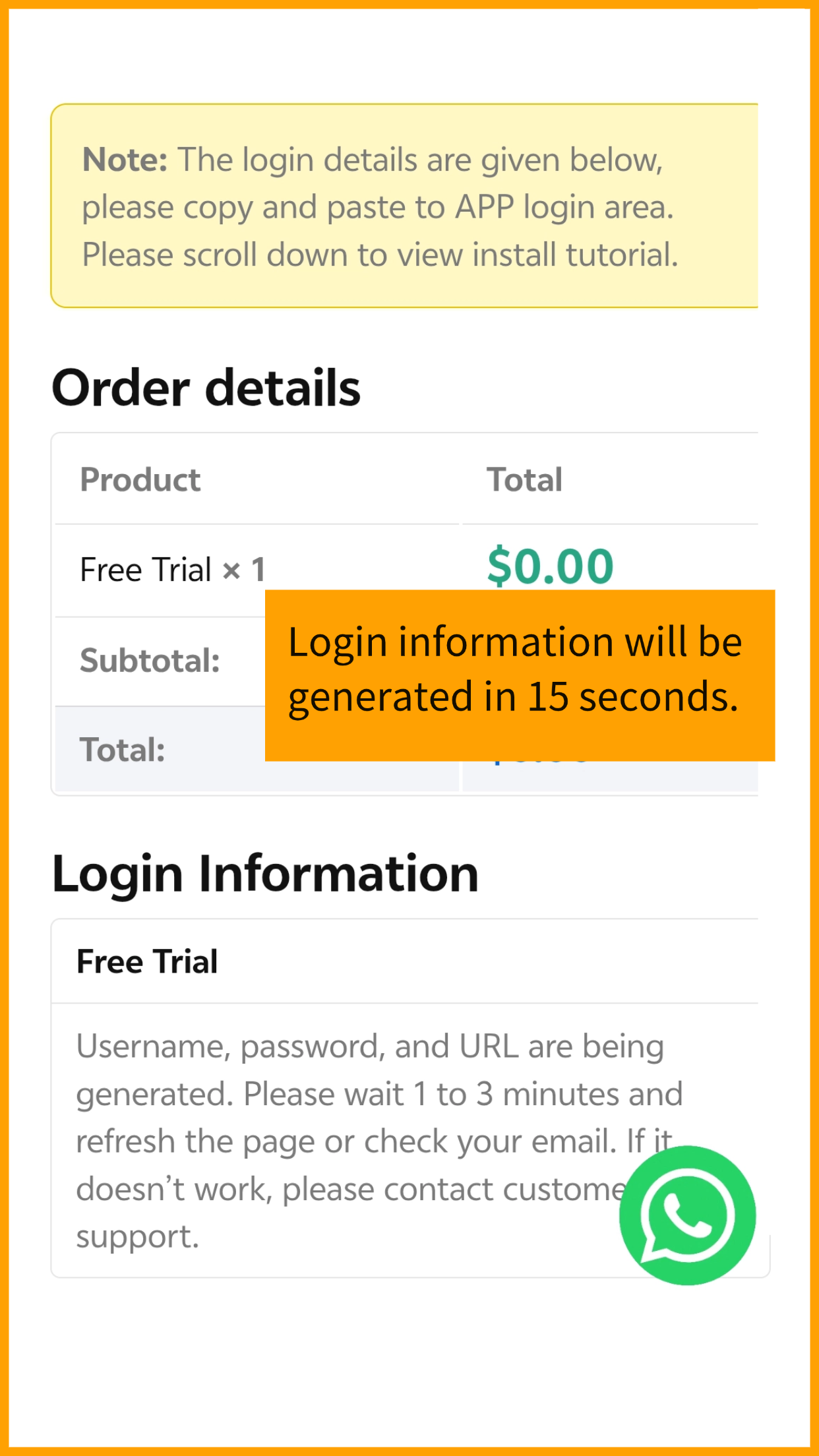
5. Use generated username โand password, prepare to log in App.โ

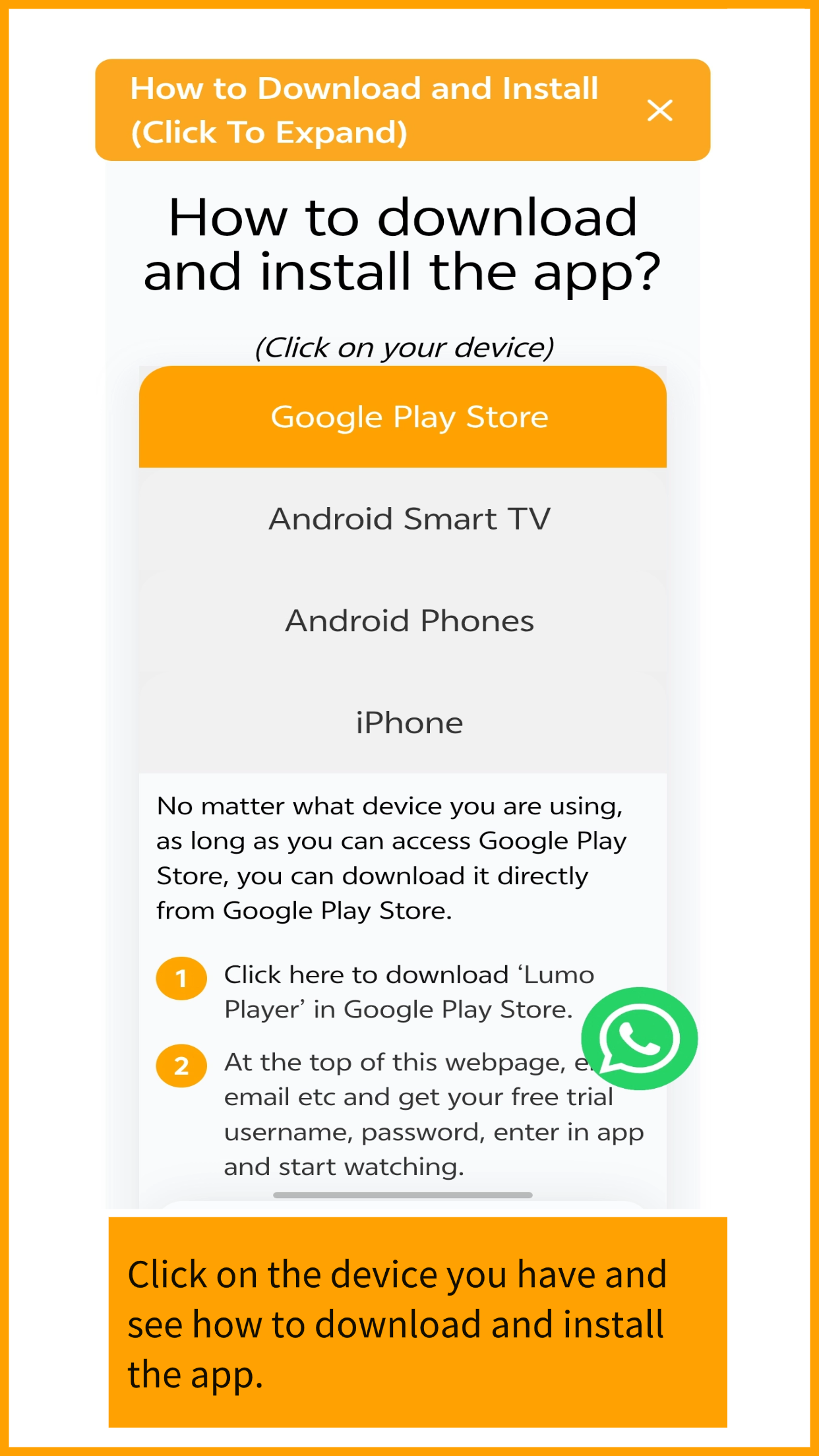
6. Click on your device and see tutorials how to download and install App.โ

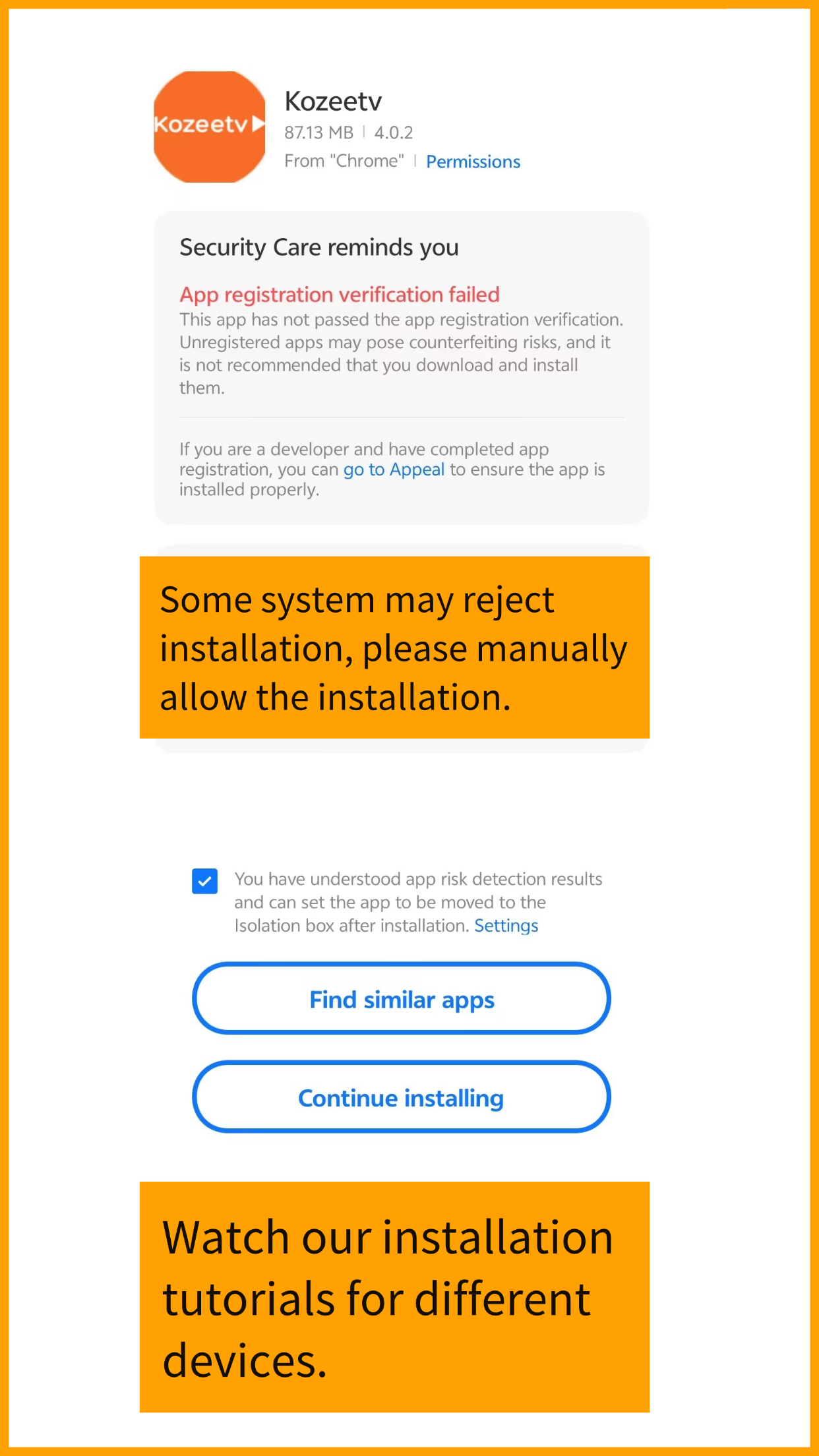
7. Please allow the app to install, you can install this app with confidence.โ

8. After install, use generated login to log in the app then start watching.โ

โ ๏ธ Attention
How to download and install the app?
(Click on your device)
- Google Play Store
- Smart TV
- Android Phones
- iPhone
No matter what device you are using, as long as you can access Google Play Store, you can download it directly from Google Play Store.โ
-
- 1 Click here to download โLumo Playerโ in Google Play Store.โ
- 2ย At the top of this webpage, enter email etc and get your free trial username, password, enter in app and start watching.
If the Google Play Store is available on your TV device, please download the โLumoPlayerโ app. You can log in directly with your username and passwordโno URL entry is required.
โIf google play store not available on your TV, use any third-party IPTV player in your TV app store will work the same too.
โRecommended Players by Device:
-
- 1 Firestick / Android: TiviMate or IPTV Smartersโ
- 2ย Samsung / LG: IBO Player or Nanomid
- 3 Apple TV: iPlayTV or IPTVX
- 4 Roku / TCL / Hisense: Search “IPTV” in your App Store.
Note: If these apps are not available on your TV, simply search your app store for โIPTVโ or โIPTV Player.โ Any compatible player will work with the login details generated from our website.
- 1ย Download our APP APK to your mobile phone by clicking following button.
- 2ย During installation, allow your cell phone to install unknown app.
- 3ย After installation, claim free trial and get username and password, enter your username, password to app.
Please watch the video below to understand how to install it:
- 1 Our APP is not listed in Apple AppStore so We recommend using ‘IPTV Smarters Lite’ to play our content, which is free and easy to use.
- 2 You can directly search for โIPTV Smarters Liteโ in the App Store and download it.
- 3 Claim and get your free trial username, password and URL, enter and start watching. See below instruction video.